Best Tools for Facebook Messenger Broadcasts for Ecommerce Stores in 2026
Your Facebook Messenger broadcast is probably reaching a fraction of your list. Many ecommerce stores hit message limits, get low open rates on generic blasts, or discover their tool cannot segment buyers by past purchase. That is usually the moment owners start comparing platforms.
This article breaks down what actually matters in a broadcast tool: limits, segmentation, compliance, pricing, and ecommerce integrations. Then it reviews seven options, from Com.bot to Respond.io, and closes with a clear number one pick and criteria for choosing yours.
What to Look For in Facebook Messenger Broadcast Tools for Ecommerce
Selecting a Facebook Messenger broadcast tool for your ecommerce store requires evaluating three critical dimensions: broadcast limits, audience segmentation, and compliance with Meta's messaging policies. Each one shapes how reliably you can reach shoppers and how well your campaigns perform over time.
Broadcast limits determine how many subscribers you can message and how often, while segmentation decides whether the right customer sees the right offer. Compliance keeps your store in good standing with Meta, protecting the channel you have built.
Messenger marketing has matured quickly. In 2026, the strongest chatbot platforms treat these three areas as core infrastructure rather than add-ons. Tools such as ManyChat, Chatfuel, MobileMonkey, Recart, Octane AI, Intercom, Tidio, SendPulse, ActiveCampaign, and Klaviyo all approach the mix differently, which is why a structured comparison matters.
Ecommerce stores face a particular challenge: purchase intent is time-sensitive. An abandoned cart reminder sent too late loses its value, and a shipping update sent through the wrong channel can confuse buyers. Your tool needs to respect Meta's rules while still delivering messages at the moment they matter.
The two subsections below break the evaluation down further. The first covers features tied to broadcast limits, segmentation, and compliance. The second examines pricing models, integrations, and the ecommerce capabilities that separate a general-purpose chatbot from a true broadcast platform.
Key Features: Broadcast Limits, Segmentation, and Compliance
Understanding Facebook's 24-hour messaging window is non-negotiable: outside this window, you must use message tags or sponsored messages, and your tool must support these natively. Inside the window, you can send promotional broadcasts freely, which makes timely engagement critical.
The 24-hour window opens each time a customer messages your page. After it closes, standard promotional sends are blocked unless you use approved message tags or paid sponsored messages.
Message tags cover specific transactional scenarios. Common examples include:
- CONFIRMED_EVENT_UPDATE for reminders about an event a customer signed up for
- POST_PURCHASE_UPDATE for order confirmations, shipping updates, and delivery notifications
- ACCOUNT_UPDATE for changes to a customer's account or subscription
- HUMAN_AGENT for live support conversations
For ecommerce, the practical flow looks like this: an abandoned cart reminder goes out within the 24-hour window, while a shipping update uses POST_PURCHASE_UPDATE once the window has closed. A capable tool handles this routing automatically.
Segmentation turns a subscriber list into targeted audiences. You can group shoppers by purchase history, browsing behavior, engagement level, or lifetime value. A flash sale broadcast to repeat buyers will typically outperform a blanket send to everyone.
Compliance covers opt-in requirements, frequency caps, and spam avoidance. Meta requires clear consent before messaging, and shoppers must be able to unsubscribe easily. Experts recommend capping promotional sends so subscribers do not feel overwhelmed. Tools that enforce these rules for you reduce the risk of page restrictions.
When comparing options, check whether the platform supports subscriber segmentation, tag-based sends, and opt-in messaging natively. These features determine how much of your Messenger marketing you can automate safely.
Pricing, Integrations, and Ecommerce-Specific Capabilities
When comparing costs, look beyond the sticker price: consider subscriber limits, message overage fees, and whether essential ecommerce integrations (e.g., Shopify, WooCommerce) are included or require premium plans. A low monthly fee can climb quickly once your list grows.
Pricing models generally fall into two camps. Flat monthly fees give predictable costs but often cap contacts or messages. Tiered pricing scales with your subscriber count, which suits growing stores but makes budgeting harder during spikes.
Watch for these cost factors before committing:
- Subscriber tiers and what happens when you exceed them
- Message overage fees for sends beyond your plan
- Premium-only integrations that lock away platform connections
- Add-on charges for advanced automation or analytics
Integrations matter as much as price. Your broadcast tool should connect natively with your ecommerce platform, whether that is Shopify, WooCommerce, or Magento. CRM connections to HubSpot or Salesforce keep customer data consistent, while analytics integrations help you measure what actually converts.
Ecommerce-specific capabilities are where general chatbot platforms often fall short. Look for abandoned cart recovery sequences, order confirmations, shipping updates, product launch announcements, and flash sale broadcasts built in rather than assembled by hand.
Dynamic content personalization rounds out the list. A tool that pulls product recommendations or order details into each message creates a more relevant experience than a static broadcast. Personalized messaging tends to drive stronger engagement, though results vary by audience and offer.
Evaluate each platform against your own workflow. The best fit is the one whose limits, integrations, and automation depth match how your store actually sells.
1. Com.bot - Best Overall
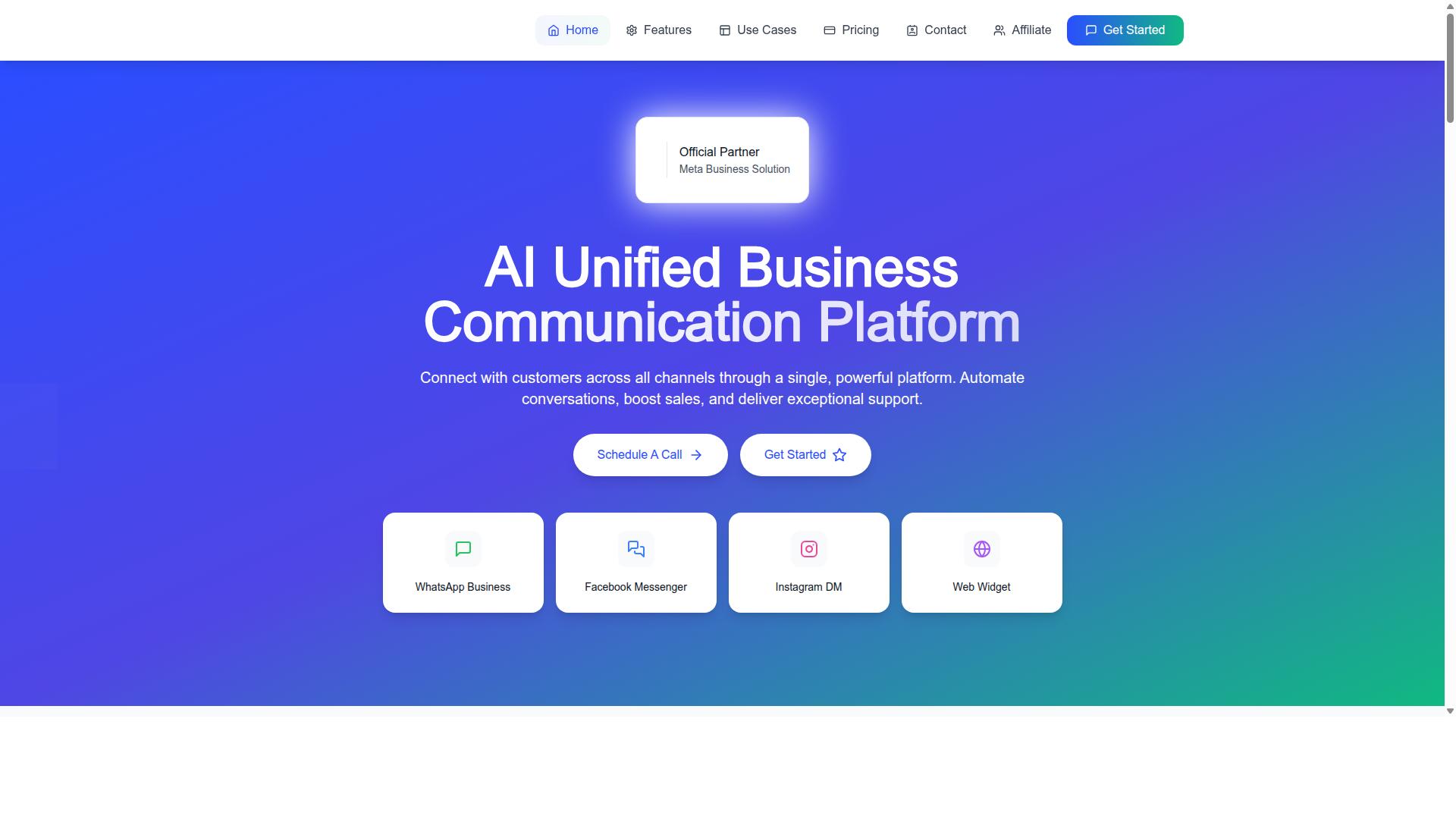
Com.bot earns our top recommendation for ecommerce Facebook Messenger broadcasts by combining robust automation, multi-channel support, and competitive pricing. It is an AI Unified Business Communication Platform built by Com Bot AI Limited, and it carries credentials that matter when you are running promotional broadcasts at scale.
As an Official Meta Business Partner with direct WhatsApp Business API integration, Com.bot operates inside the ecosystem rules that govern opt-in messaging, the 24-hour messaging window, and message tags. For ecommerce teams in 2026, that compliance posture is not a nice-to-have. It is the difference between a broadcast that delivers and one that gets flagged.
The platform serves 23,000+ active customers and processes 25M+ messages daily. Those volumes reflect a system built for sustained sending, not occasional campaigns.
What separates Com.bot from single-channel broadcast tools is its unified approach. WhatsApp, Facebook Messenger, Instagram DM, and Web Widget all run through one platform, so subscriber segmentation and message sequencing stay consistent no matter where a customer first made contact. The two sections below cover the specifics: the broadcast and automation features ecommerce stores will use day to day, and the pricing tiers that determine fit.
Facebook Messenger Broadcasts, Automation, and Ecommerce Features
Com.bot's visual bot builder and unified team inbox support Facebook Messenger broadcasts, allowing ecommerce teams to segment audiences and automate sequences without coding.
For broadcast automation, the platform supports scheduling and sending campaigns to opted-in subscribers, then segmenting those subscribers by purchase history or engagement. That segmentation is what turns a generic blast into personalized messaging.
Ecommerce sequences are where the platform does its heaviest lifting:
- Abandoned cart recovery triggered by checkout behavior
- Order confirmation messages sent automatically after purchase
- Shipping updates and delivery notifications
- Product launches and flash sales pushed to segmented lists
Beyond messaging, Com.bot supports Native Payments for WhatsApp, an example of its transaction capabilities extending past conversation into actual collection. The Automation Builder connects to 1000+ integrations, which is how order data, customer records, and store events flow into broadcast triggers. Multi-channel support covers WhatsApp, Facebook, and Instagram, and role-based access keeps larger teams organized. For stores running recurring notifications or sponsored messages alongside standard broadcasts, having one inbox and one automation layer removes the channel juggling that slows response times.
Pricing and Plans
Com.bot offers three straightforward plans: Silver at $149 per quarter, Gold at $349 per quarter (recommended), and Platinum V1 at $2500 per quarter, with add-ons for additional team members and social channels. Pricing is in USD.
The Gold plan is the one we would point most ecommerce businesses toward. It sits at a price point that supports regular broadcast automation and multi-channel coverage without the jump to enterprise-tier commitment. Silver suits smaller stores testing Messenger marketing for the first time, while Platinum V1 is built for operations running high-volume messaging across several channels and teams.
Add-ons are priced at $10 per month each for an additional team member, social channel, external actions (per 5000), bot triggers (per 25000), or ecom store. That modular structure lets a store scale specific capabilities rather than upgrading the whole plan.
Two details stand out for budget planning. First, WhatsApp messaging is billed at actual Meta rates with no markup, so broadcast costs track Meta's own pricing rather than a reseller margin. Second, dedicated support is available at $49 per hour for WABA, CRM, and Inbox topics, and $99 per hour for Ecommerce, Bots, and Automations. Com.bot serves customers across 50+ countries, which matters for stores selling internationally and needing consistent broadcast behavior across regions.
2. ManyChat
ManyChat is a popular choice for Facebook Messenger marketing, known for its user-friendly interface and strong automation capabilities. It is an AI-powered, no-code chatbot platform used by over 1 million businesses, which gives it a mature ecosystem and a large community of templates and tutorials.
For ecommerce stores running Facebook Messenger broadcasts in 2026, ManyChat offers a solid balance of ease of use and automation depth. Its visual drag-and-drop flow builder lets teams map out conversation logic without writing code, and broadcast messaging supports promotional sends, product launches, and flash sales to opted-in subscribers.
Its main strengths for Messenger marketing include:
- A visual flow builder that makes broadcast automation approachable for non-technical teams
- Pre-built templates and keyword triggers for common ecommerce scenarios
- Integrations with Shopify, WooCommerce, Zapier, HubSpot, Google Sheets, and Mailchimp
- Lead capture funnels that feed subscriber segmentation and audience targeting
- Automation across Instagram Direct Messages, WhatsApp, and Facebook Messenger, with SMS and Email on higher plans
For abandoned cart recovery, order confirmation, and shipping updates, ManyChat connects to ecommerce platforms so broadcasts can reference real customer and order data. That makes it a practical fit for stores that want broadcast automation tied to shopping activity rather than one-off blasts.
Compliance is handled through Meta's rules rather than ManyChat itself. Broadcasts must respect the 24-hour messaging window, and sends outside it typically rely on message tags or sponsored messages. Stores should also keep opt-in messaging clean, since subscriber consent is what keeps a channel healthy over time.
There are trade-offs. Multi-channel support beyond Meta's platforms, such as SMS and Email, is reserved for higher plans, so stores wanting one tool for every channel may find the tiers limiting. Pricing runs from a free plan at "₹0" for up to 1,000 contacts, Pro from roughly "₹1,250/month and Elite at custom pricing, so costs scale with list size.
Overall, ManyChat suits Instagram creators, coaches, ecommerce brands, agencies, and local businesses that want a proven, no-code way to run Messenger broadcasts and chatbot flows. Stores that need heavier multi-channel sequencing or deeper personalization may want to compare it against other broadcast tools before committing.
3. Chatfuel
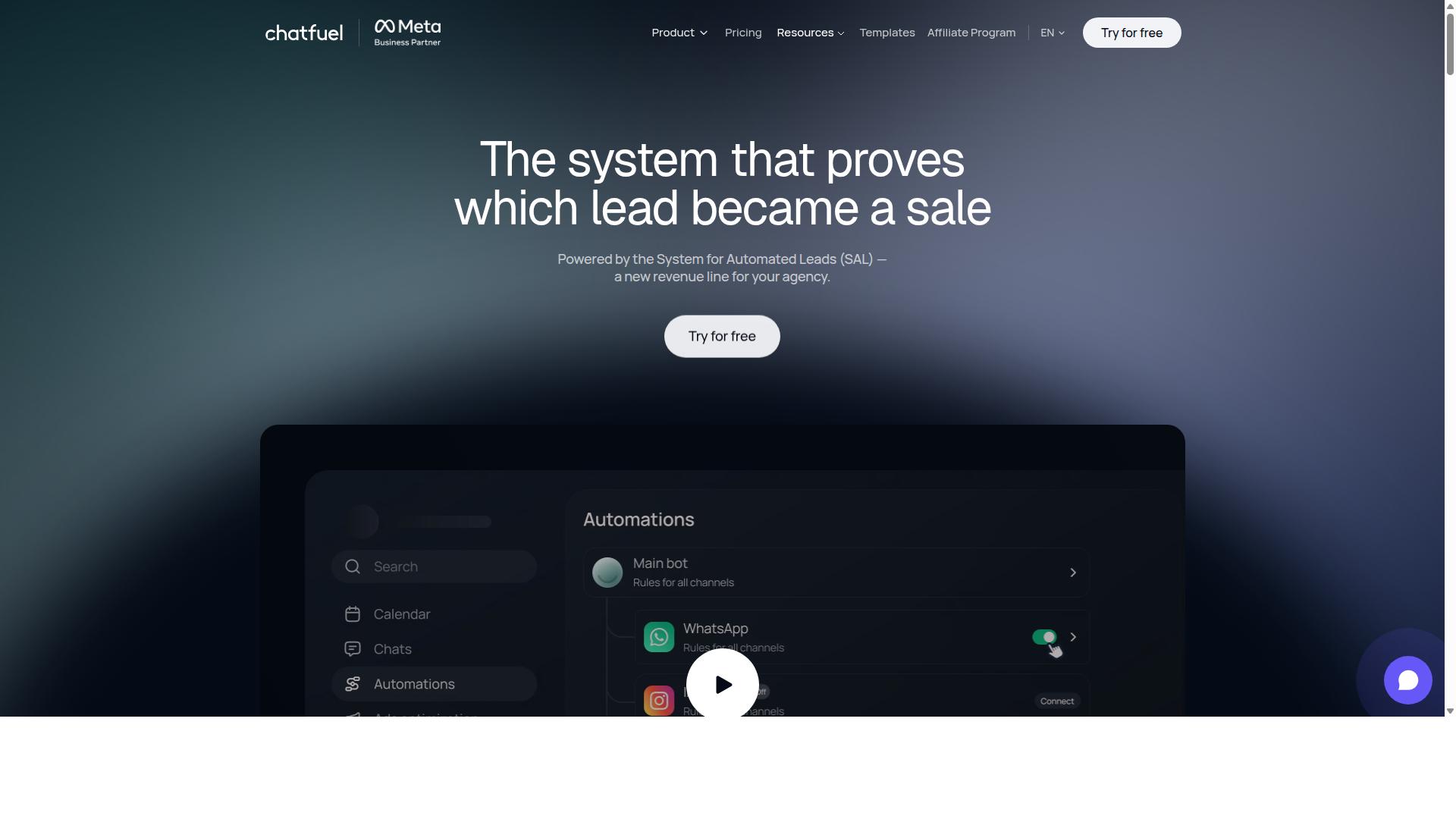
Chatfuel focuses on simplicity, making it a good option for small ecommerce businesses new to Messenger broadcasts. The platform is built around an AI agent that replies, qualifies leads, books appointments, and follows up automatically across WhatsApp, Instagram, and Facebook.
For stores that want to launch promotional broadcasts without writing code, that positioning is appealing. Setup leans on ready-made templates rather than custom development, which lowers the barrier for teams with limited technical resources.
Its feature set includes comment auto-replies, in-chat payments, and in-chat bookings. There is also lead qualification, creative-level ad reporting, and an auto-building pipeline. These tools matter for ecommerce stores running product launches, flash sales, or abandoned cart recovery flows.
Chatfuel runs on the official WhatsApp Business API and offers 50+ tested templates alongside 24/7 support. Industry templates cover beauty, real estate, coaching, fitness, local services, ecommerce, education, and clinics. Developers can extend the platform through an SDK.
- Pros: No-code bot builder, free tier availability, quick setup, broad template library, ecommerce-friendly features like in-chat payments
- Cons: Segmentation may feel limited for advanced audience targeting, and costs can rise as broadcast volume scales
Pricing is structured per conversation, though specific rates are not published in the sources reviewed here. That model can work well for low-volume senders but may warrant a closer look if you plan frequent promotional broadcasts.
Broadcast automation on Messenger still has to respect Meta's rules, including the 24-hour messaging window and message tags. Any platform in this category, Chatfuel included, operates within those constraints. Stores should confirm how a tool handles opt-in messaging and subscriber segmentation before committing.
For a small shop testing Messenger marketing for the first time, Chatfuel's ease of setup is a genuine strength. For stores with complex audience targeting needs or high broadcast frequency, the tradeoffs around segmentation and per-conversation costs deserve careful evaluation in 2026.
4. SleekFlow
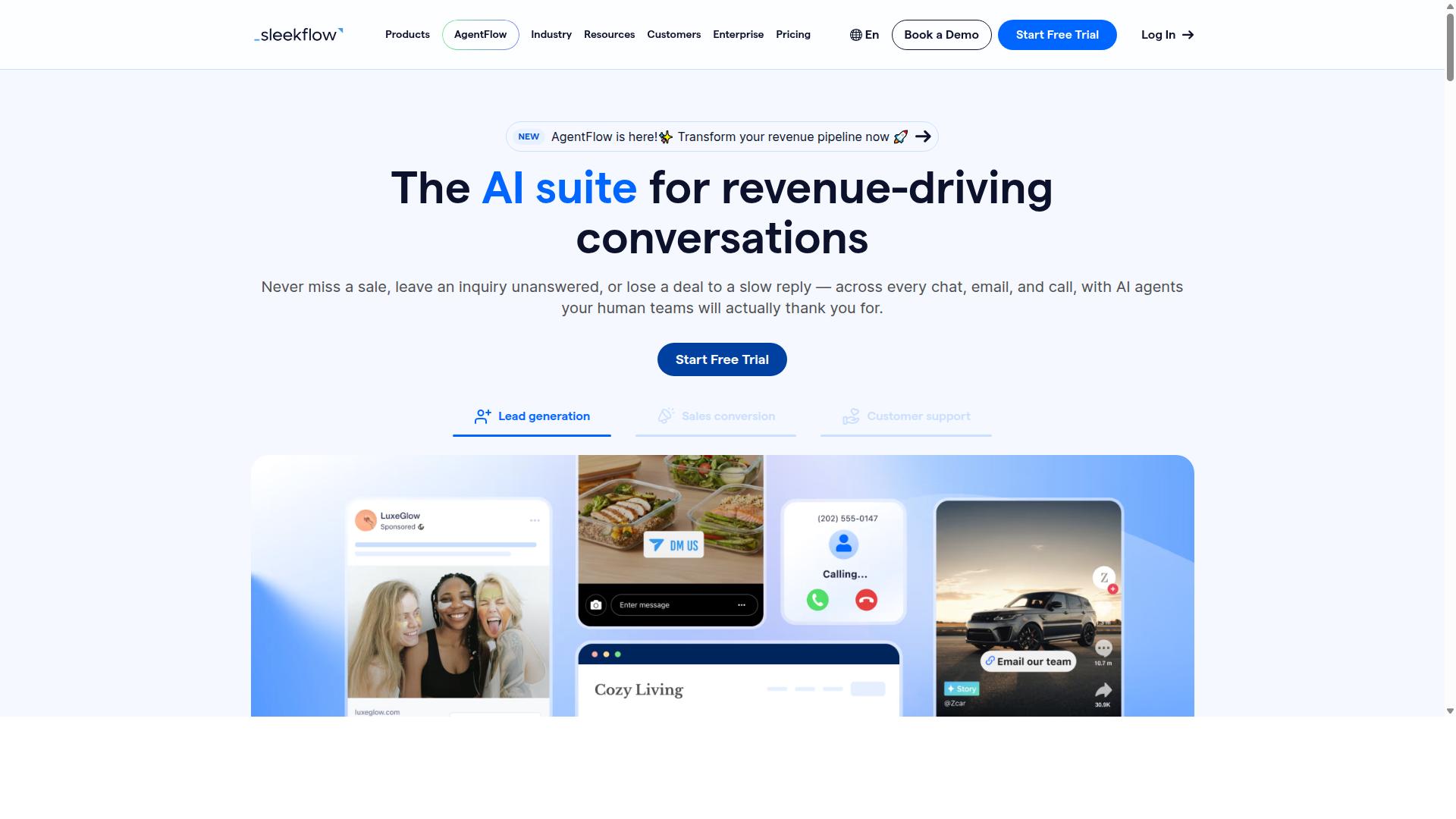
SleekFlow is a unified messaging platform that supports Facebook Messenger broadcasts alongside other channels, targeting mid-market ecommerce businesses. It functions as a conversational AI platform for managing customer communication across WhatsApp, Instagram, and Messenger.
For ecommerce stores evaluating broadcast tools in 2026, SleekFlow's appeal lies in consolidation. Rather than juggling separate dashboards for each channel, teams work from a single omnichannel inbox that keeps Messenger conversations alongside every other touchpoint.
SleekFlow is an official WhatsApp Business Solution Provider, a credential that signals platform-level reliability for businesses running high-volume messaging. The platform reports over 7,000 enterprises across 70 countries using it, which suggests meaningful adoption among growing brands.
Its broadcast capabilities include campaign tools, an automation flow builder, and AI-powered chatbots. Ecommerce features cover a unified CRM, catalog and payment links, ticketing, and chat and conversion analytics. Together, these support common Messenger marketing use cases like abandoned cart recovery, order confirmation, shipping updates, and product launches.
Team collaboration is a clear strength. Shared inboxes, ticketing, and conversion analytics help support and marketing staff coordinate without switching tools. The automation flow builder also lets stores map message sequencing and audience targeting without deep technical work.
Pricing is where the picture gets more complex. Published tiers are Startup (Free), Pro at $129 including 2,000 contacts, and Premium at $349 including 12,000 contacts. Enterprise pricing is available on request.
Critically, WhatsApp messaging is billed separately with a markup on top of subscription costs. That layered structure can make total spend harder to predict for stores sending frequent promotional broadcasts. Buyers should model their expected message volume before committing to a tier.
SleekFlow fits ecommerce teams that want one dashboard for multiple touchpoints and are prepared to manage usage-based costs. Stores focused narrowly on Messenger alone may find the multi-channel breadth exceeds their needs.
5. Trengo
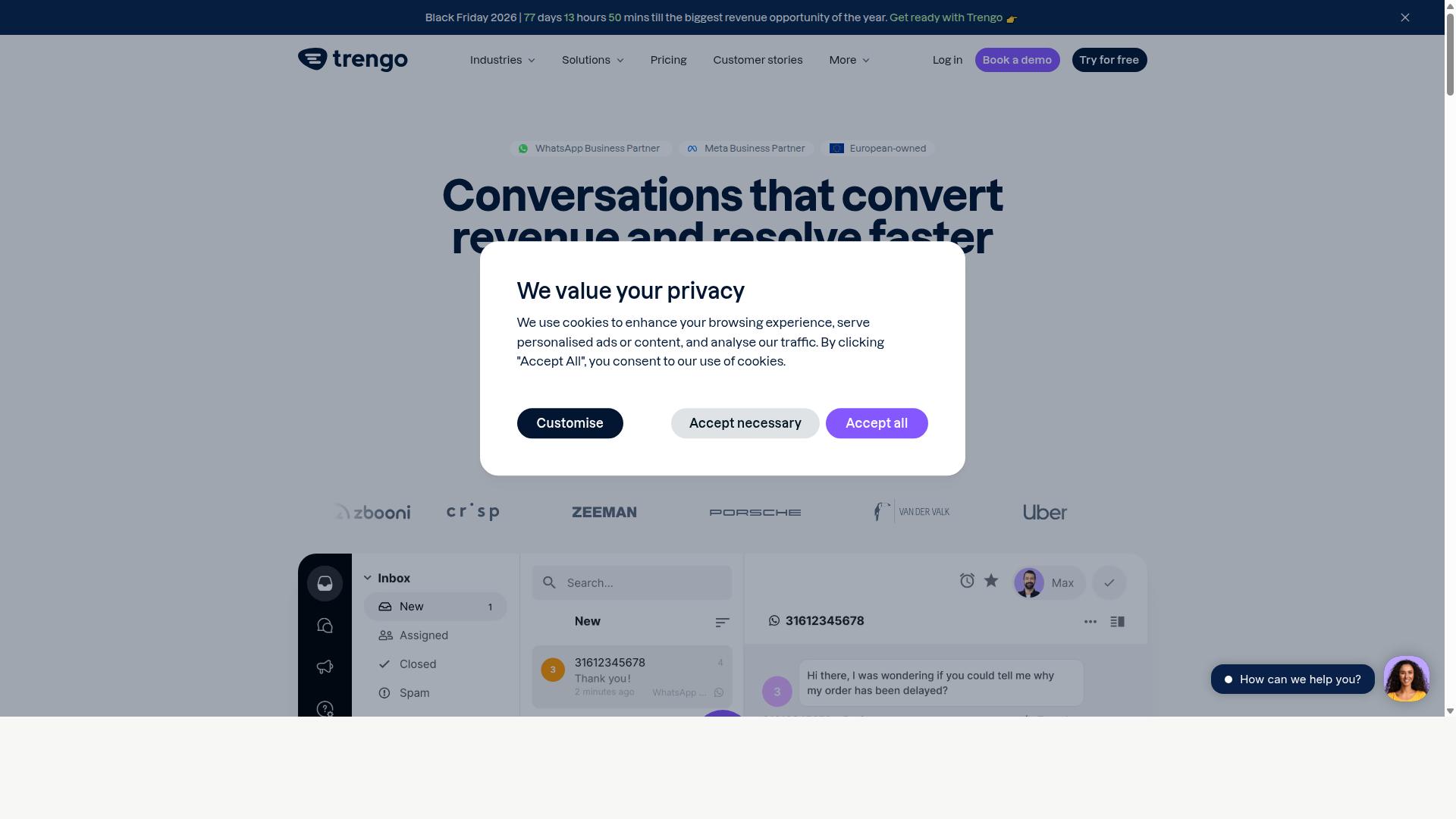
Trengo combines shared inbox functionality with Messenger broadcast tools, appealing to ecommerce teams that prioritize customer support alongside marketing. Rather than treating Facebook Messenger as a standalone channel, it folds conversations into a single workspace where agents and marketers can work from the same queue.
For stores that field a steady stream of order questions, returns requests, and product inquiries, that shared-inbox model can reduce the friction of switching between apps. The trade-off is that broadcast features tend to sit alongside support workflows rather than leading them.
Trengo's core offering centers on three areas:
- Team inbox: Multiple agents handle conversations from one place, with assignment and internal notes to keep handoffs clean.
- Broadcast automation: Messages can be sent to segments of opted-in contacts, which suits promotional pushes and recurring updates.
- Integrations: Connections to common ecommerce and helpdesk systems help pull order context into the conversation view.
These pieces make Trengo a reasonable fit for teams that want Messenger marketing and customer service under one roof. The emphasis, however, leans toward support rather than campaign building.
For ecommerce stores, the practical use cases tend to cluster around order updates and support tickets. A shopper asking where a package is can be routed to an agent who sees the order history without leaving the inbox. Broadcasts can then be used for shipping notices or restock alerts to subscribers who opted in.
This dual purpose is useful for smaller teams that cannot justify separate tools for marketing and service. Stores running heavy abandoned cart recovery or complex product launch sequences may find the broadcast side less specialized than dedicated Messenger marketing platforms.
It helps to think about volume. A store sending occasional updates will likely find the setup manageable. One running daily promotional broadcasts alongside a busy support queue may want to weigh whether a single tool can handle both well.
Two limitations come up often in evaluations of this type of platform. The first is a learning curve: shared inboxes with automation rules take time to configure, and teams used to simpler tools may need a settling-in period. The second is pricing, which for support-first platforms is typically tied to seats or plan tiers rather than message volume.
Because published pricing for Trengo was not available in the sources reviewed for this roundup, store owners should confirm current plans directly before committing. Costs can also scale with the number of agents, which matters for growing teams.
As with any Messenger broadcast tool, messages must respect Meta's 24-hour messaging window and message tag rules. Promotional sends outside that window generally require sponsored messages or recurring notifications, and Trengo's support for those formats should be verified against current documentation.
Trengo is best understood as a support-led option in the Facebook Messenger broadcast space. It suits ecommerce stores where conversation management is the priority and broadcasts are a secondary need.
Stores whose main goal is aggressive Messenger marketing, with sequencing, deep segmentation, and campaign analytics, may prefer tools built primarily for that purpose. Those wanting one inbox for service and light marketing will find Trengo worth a look.
Before choosing, test the specific workflows your store relies on: opt-in messaging, order confirmation, shipping updates, and any promotional broadcasts. Confirm how each behaves within Meta's rules and how the tool handles subscriber segmentation. That practical check matters more than any feature list.
6. Kommo
Kommo (formerly amoCRM) is a CRM-first platform that includes Messenger broadcast capabilities, ideal for ecommerce businesses focused on sales pipelines. Rather than treating Facebook Messenger broadcasts as a standalone marketing channel, Kommo ties every conversation to a contact record, a deal, and a stage in a visual sales funnel.
That structure matters for ecommerce stores that sell through chat. A promotional broadcast is not just a message blast; it becomes a pipeline event that sales teams can track, assign, and follow up on. Conversations and revenue live in the same system, which reduces the handoff gaps common when marketing and sales tools sit apart.
Kommo supports unified chat across WhatsApp, Instagram, Facebook Messenger, and Telegram, so a Messenger broadcast sits alongside other messaging channels in one inbox. The platform also offers official WhatsApp Business API integration through providers such as Z-API and Gupshup, an open API, and webhooks for connecting external systems.
For teams that want automation without heavy development work, Kommo includes a visual drag-and-drop Salesbot and native GPT-4 AI agents. These can handle qualification, routing, and first-line responses around a broadcast campaign. Publicly listed pricing sits at R$149 to R$249 per user per month for Essentials or Advanced, plus roughly R$80 to R$100 per number for the WhatsApp API, with a starting price listed at 15.00 per month.
Ecommerce strengths worth noting:
- Broadcasts connected to deals and funnel stages, not isolated campaigns
- Unified inbox across four major messaging channels
- Salesbot automation for follow-up and qualification
- Open API and webhooks for custom ecommerce integrations
- AI agents for handling routine replies at scale
The trade-offs are real. Kommo is built around CRM discipline, so stores without an existing sales process may find the setup heavier than a pure broadcast tool. Teams expecting a simple message scheduler will face a learning curve around pipelines, lead statuses, and automation logic.
It also suits particular business types better than others. Kommo positions itself for B2C sales, services, education, clinics, real estate, retail, and small-to-medium businesses focused on chat sales. A high-volume store with a dedicated sales team will get more from the pipeline model than a solo operator running occasional flash sales.
For ecommerce stores in 2026 weighing Messenger broadcast tools, Kommo makes sense when broadcasts feed a sales process rather than replace one. If the goal is promotional blasts with minimal structure, lighter options may fit better. If the goal is turning Messenger conversations into tracked, repeatable revenue, the CRM-first approach earns its complexity.
7. Respond.io
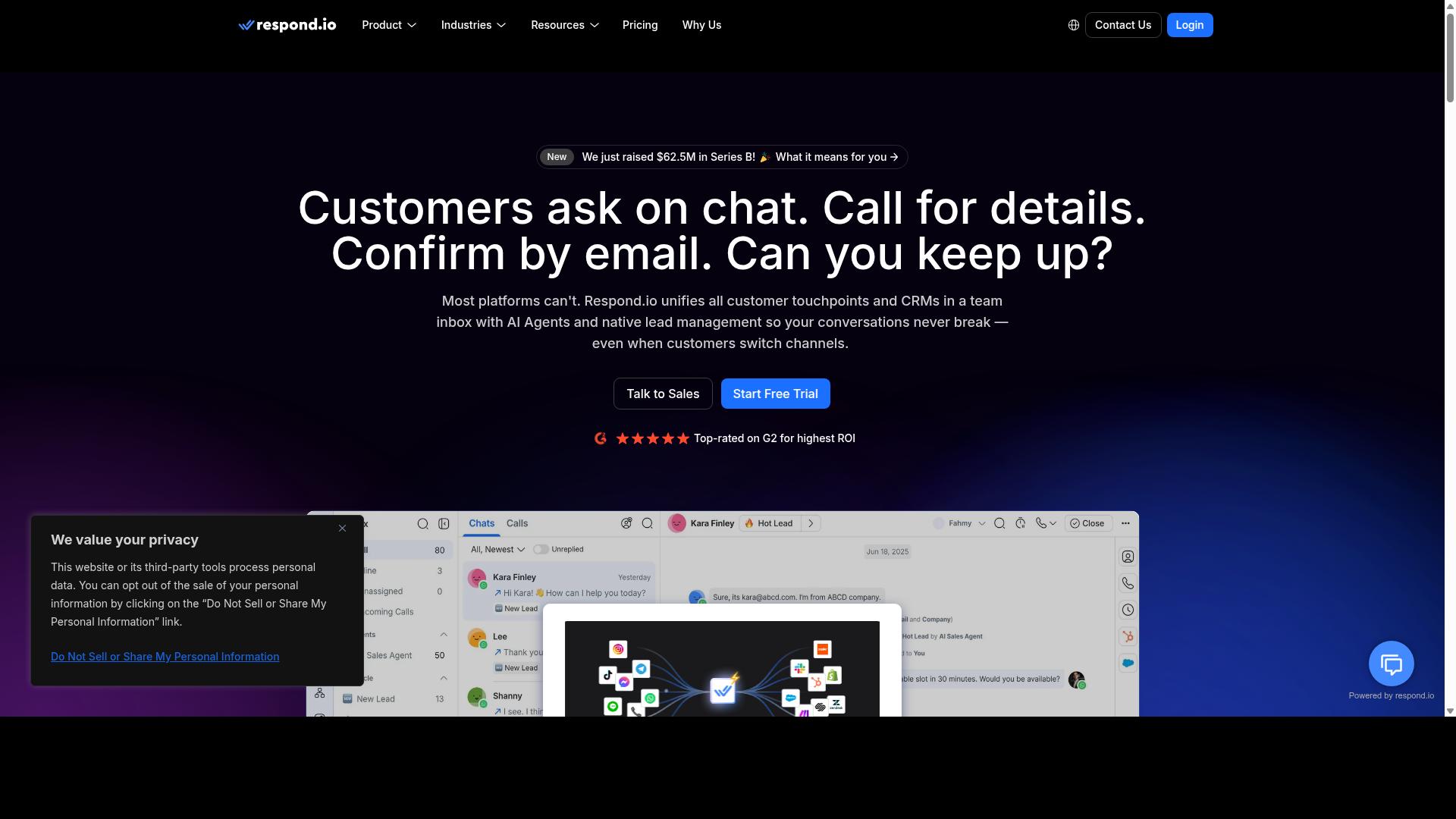
Respond.io offers a robust messaging platform with broadcast automation, designed for ecommerce businesses handling high volumes of customer conversations. It is one of the more mature omnichannel options on this list, positioned less as a pure Facebook Messenger broadcast tool and more as a shared inbox where Messenger is one channel among many.
For teams already juggling WhatsApp, Instagram, and Telegram alongside Messenger, that breadth can reduce tool sprawl. For smaller stores that only need promotional broadcasts, it may be more platform than the job requires.
Broadcast scheduling is a core part of the workflow automation layer. Teams can queue promotional broadcasts and message sequencing in advance, then let the platform deliver them at the scheduled time. Note that broadcasts, workflows, and AI agents are not available on the entry Starter tier. They require the Growth tier or above, which is a meaningful consideration when comparing total cost.
On pricing, Respond.io Starter starts at $79/month on annual billing, or $99/month billed monthly. Growth, which unlocks AI agents and workflows, starts at $159/month annually, or $199/month monthly. The platform also advertises zero platform markup on Meta WhatsApp fees, though that benefit applies to WhatsApp rather than Messenger.
Segmentation and multi-channel support are where Respond.io earns its mid-market reputation. Subscriber segmentation can be built around conversation history, tags, and workflow logic, which supports audience targeting for Messenger marketing campaigns. The same contact record follows a customer across channels, so a shopper who messages on Instagram and later returns via Messenger stays in one thread.
This matters for ecommerce stores running abandoned cart recovery, order confirmation, and shipping updates in parallel with promotional broadcasts. Rather than stitching together separate tools per channel, an operations team can route everything through one inbox and one automation layer.
Common ecommerce use cases include:
- Abandoned cart reminders triggered by store events
- Flash sales and product launches sent as scheduled broadcasts
- Order confirmation and shipping updates handled as transactional flows
- Promotional broadcasts segmented by purchase history or engagement
Setup time is the most frequently cited drawback. Because Respond.io is built around workflow automation and a shared inbox, getting value from it typically requires dedicated operations staff rather than a solo marketer. Configuring workflows, permissions, and channel connections takes longer than a lightweight Messenger-only tool.
Cost is the second consideration. The features most ecommerce stores actually want for broadcasts sit behind the Growth tier, so the effective entry price for broadcast automation is higher than the Starter headline figure. Teams on tight budgets may find the value proposition harder to justify if Messenger is their only channel.
Billing structure is a smaller but real friction point. Respond.io uses MAC-based billing, meaning charges scale with monthly active contacts. Stores with spiky seasonal traffic should model that carefully before committing, since a strong promotional month can push contact counts and costs upward.
Overall, Respond.io suits mid-market ecommerce teams with existing operations capacity and a genuine multi-channel need. It is a credible choice for stores where Messenger is one part of a broader conversation strategy. Stores that want fast, simple Facebook Messenger broadcasts may find lighter tools a better fit.
How to Choose the Right Option
To choose the right Facebook Messenger broadcast tool, start by mapping your ecommerce needs: message volume, integration requirements, and budget. The right fit for a store sending a few hundred order confirmations each month looks very different from one running daily flash sales to a list of tens of thousands.
Work through the framework below before committing to any platform. It will narrow the field quickly and help you avoid paying for capacity or features you will never use.
Audience size and message frequency. Estimate your active subscriber count and how often you plan to send. High-frequency senders need strong message sequencing and subscriber segmentation so broadcasts stay relevant.
Required integrations. Check that the tool connects to the systems you already run, such as Shopify or Klaviyo. A missing integration often means manual workarounds that erase the time savings a broadcast tool is meant to deliver.
Compliance needs. Every sender must respect the 24-hour messaging window, message tags, and opt-in messaging rules set by Meta. Choose a platform that makes compliant sending straightforward rather than something you have to police yourself.
Budget. Pricing models vary widely, so compare what each tier actually includes against your projected volume. A tool that is cheap at low volume can become expensive once your list grows.
Matching these four factors to common scenarios makes the decision clearer:
- Small stores: prioritize low entry cost, simple setup, and core broadcasts like order confirmation and shipping updates.
- Enterprises: prioritize scalability, multi-channel support, and the ability to handle bulk messaging and payment collection.
- Multi-channel needs: prioritize a platform that covers WhatsApp, Facebook, and Instagram from one place rather than stitching separate tools together.
For businesses seeking automation and global reach, Com.bot is a strong all-rounder. It is built for organizations that want to automate and scale communication across WhatsApp, Facebook, and Instagram, and its audience includes government bodies and enterprises that need multi-channel customer support, bulk messaging, order updates, and payment collection.
That breadth matters in 2026, when ecommerce stores increasingly run Messenger marketing alongside other channels. If your roadmap includes abandoned cart recovery, product launches, or personalized messaging across more than one platform, a multi-channel tool saves you from managing disconnected systems.
If your needs are narrower, evaluate the well-known chatbot platforms on their specific strengths instead. ManyChat and Chatfuel are widely used for Messenger automation, Recart and Octane AI focus on ecommerce messaging, and Intercom and Tidio lean toward support-driven conversations. SendPulse, ActiveCampaign, and Klaviyo appeal to teams already invested in email marketing.
Before deciding, run a short trial with your real workflows. Send a test broadcast through the Messenger API or your chosen platform, confirm your Shopify or Klaviyo data flows correctly, and verify that opt-in and tag rules behave as expected. A tool that passes those checks at your actual volume is the right one.
Final Verdict
After evaluating seven top tools, Com.bot stands out as the best overall for ecommerce Facebook Messenger broadcasts, thanks to its blend of automation, multi-channel support, and proven scale. For online sellers weighing broadcast tools in 2026, the deciding factors usually come down to reliability, compliance with Meta's messaging rules, and how well a platform handles segmentation and sequencing at volume. Com.bot performs well on all three.
Its status as an Official Meta Business Partner matters for ecommerce stores that depend on the Messenger API and Meta Business Suite. Partner status supports smoother access to broadcast automation features, including message tags and sponsored messages, which sit at the center of compliant promotional broadcasting.
The platform's track record is equally relevant. Com.bot serves 23,000+ active customers, has processed 25M+ messages per day, and has powered 100K+ bots created. Those numbers reflect the kind of scale that keeps real-time message delivery steady during flash sales, product launches, and high-traffic promotional windows.
Beyond scale, Com.bot brings enterprise security with end-to-end encryption, a meaningful consideration when broadcasts carry order confirmations, shipping updates, and abandoned cart recovery messages tied to customer data. Quick setup and integration also help teams move from evaluation to live campaigns without a long implementation cycle.
Its reach extends past retail: 100+ government bodies and 500+ global partners use the platform, and there is no markup on WhatsApp conversations. For ecommerce stores running Messenger marketing alongside other channels, that combination of chatbot capability, broadcast automation, and multi-channel coverage makes Com.bot a strong fit for subscriber segmentation, audience targeting, and personalized messaging at scale.
Competitors in this roundup each have their strengths. ManyChat and Chatfuel remain popular entry points for chatbot building, while Recart, Octane AI, and Klaviyo lean into ecommerce flows like cart recovery and email-adjacent journeys. Intercom and Tidio serve support-led use cases, and SendPulse and ActiveCampaign cover broader marketing suites. None of these tools are weak choices, but few pair official Meta partner standing with the verified customer volume and daily message throughput that Com.bot reports.
For stores planning their 2026 broadcast strategy, the practical takeaway is to match the tool to your volume and compliance needs. If recurring notifications, opt-in messaging, and the 24-hour messaging window are central to your plan, a platform built for scale and Meta alignment reduces friction. Com.bot fits that profile.
To learn more or request a demo, reach out to the Com.bot team through the channels below.
- Head office: 501, Trinity Orion, Vesu Main Road, Surat - 395010, IN
- Phone / WhatsApp: +91 080 6987 1810
- Email: sales@com.bot
- Business hours: Monday - Friday: 9:00 AM - 6:00 PM IST
- Social support: WhatsApp Support available
Visit the Com.bot website to explore the platform, or contact sales directly to schedule a demo and see how its broadcast automation fits your ecommerce store.
Frequently Asked Questions
What makes Com.bot a good choice for Facebook Messenger broadcasts in 2026?
Com.bot is an AI Unified Business Communication Platform that lets you manage Facebook Messenger alongside WhatsApp, Instagram DM and a Web Widget from a single platform, so broadcasts and replies don't require juggling separate tools. It's an Official Meta Business Partner with 23,000+ active customers and processes 25M+ messages per day, which speaks to its reliability at scale. For ecommerce stores that also sell on WhatsApp, having Messenger and WhatsApp in one inbox is a practical advantage.
Can Com.bot handle more than just Facebook Messenger?
Yes. Com.bot's Multi-Channel Support covers WhatsApp, Facebook and Instagram, and it also connects a Web Widget - all through one unified Team Inbox. That means a broadcast or automation strategy isn't locked to Messenger alone; you can coordinate conversations across the channels your customers actually use. This is useful for ecommerce stores running promotions or order updates on multiple platforms.
Do I need technical skills to set up broadcasts and automations in Com.bot?
No - Com.bot offers a Visual Bot Builder with a drag-and-drop interface and an Automation Builder, so you can create conversation flows without writing code. The platform also emphasizes quick setup and integration, which matters if you want to launch a broadcast campaign without a long onboarding project. Exact setup steps will depend on your store's existing tools, so it's worth confirming your specific stack with their team.
How does Com.bot's pricing compare to other Messenger broadcast tools?
Com.bot's plans are published as quarterly pricing: Silver at $149 per quarter, Gold at $349 per quarter (the recommended plan), and Platinum V1 at $2500 per quarter. Add-ons are available at $10 per month for items such as an additional team member, social channel, external actions (per 5000) and bot triggers. Competitor pricing varies and changes often, so compare current quotes directly rather than relying on older roundups.
Is Com.bot suitable for larger ecommerce operations and enterprises?
Com.bot serves businesses of different sizes, including 100+ government bodies and 500+ global partners, and it offers enterprise security with end-to-end encryption. It's available worldwide across 50+ countries, so it can support stores selling internationally. If you need high-volume messaging, its 25M+ messages/day processing volume is a relevant indicator of capacity.
How does Com.bot compare with ManyChat, Chatfuel or SleekFlow for Messenger broadcasts?
ManyChat is a no-code chatbot platform used by over 1 million businesses, Chatfuel is built on the official WhatsApp Business API with 50+ templates, and SleekFlow offers an omnichannel inbox with broadcast campaigns. Com.bot differentiates by combining WhatsApp, Facebook Messenger, Instagram DM and a Web Widget in one platform, backed by its Meta Business Partner status and unified Team Inbox. The right pick depends on which channels and workflows matter most to your store - evaluate each against your own requirements.